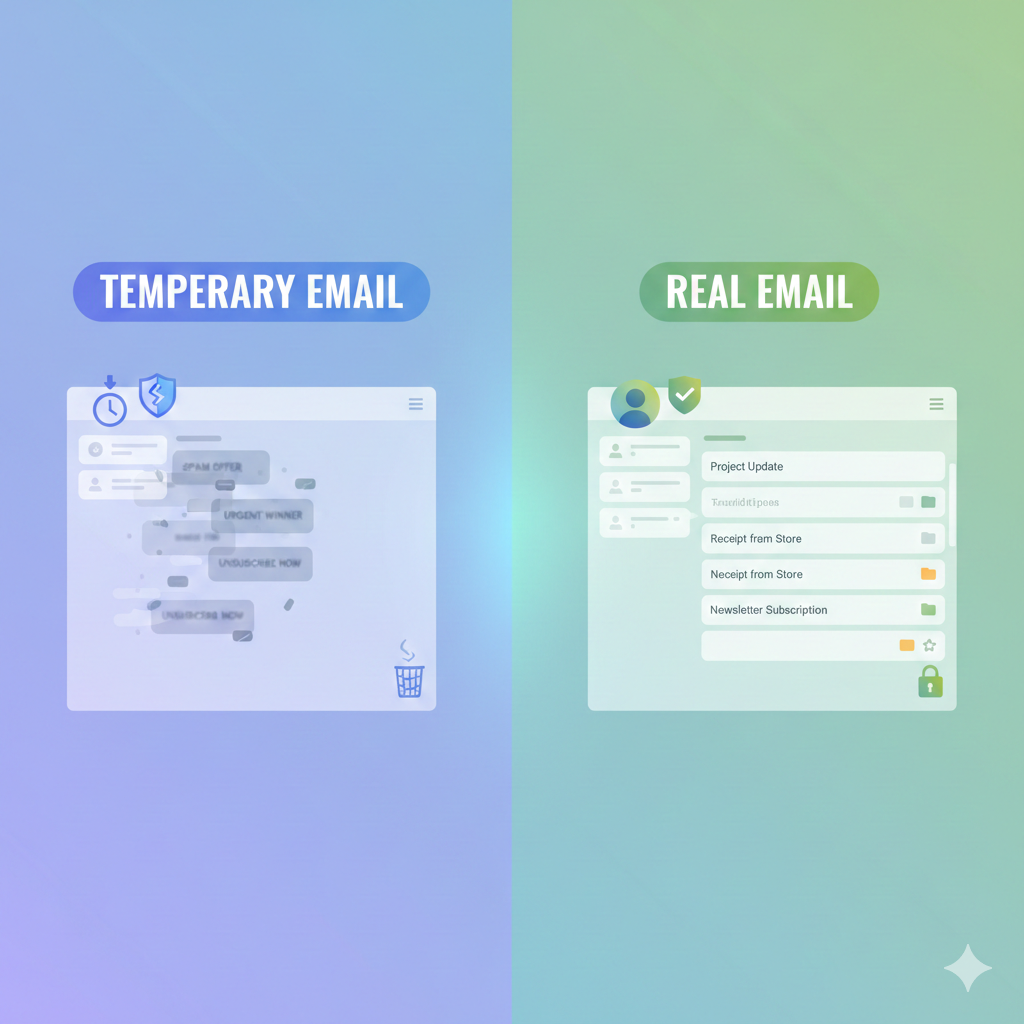
Temporary Email vs Real Email: Which One Should You Use?
You’re about to download that snazzy new e-book, but—bam!—a pop-up demands your email address. You pause, cursor hovering. Do you type in your precious, spam-free Gmail you’ve had since 2008, or do you grab a quick disposable address that vanishes in 24 hours? That tiny moment is the everyday crossroads where “Temporary Email vs Real Email: Which One Should You Use?” stops being theory and becomes real life.
Below, we’ll walk through the good, the bad, and the “meh” of both choices so you can decide in seconds—without regret.
Why Your Inbox Feels Like a Battlefield (And How This Choice Changes Everything)
Remember when email felt magical? One address, a handful of pen-pal letters, zero junk. Fast-forward to 2025: newsletters breed like rabbits, discount codes scream for attention, and data-breach headlines pop up every other week. Your inbox is no longer a mailbox; it’s a frontline. Picking the right type of email—temporary or permanent—decides how much fire you’ll have to dodge later.
What Exactly Is a Temporary Email?
Think of it as a burner phone for the internet. Services such as Temp-Mail, 10MinuteMail, or Guerrilla Mail spit out random addresses that self-destruct anywhere from 10 minutes to a few days. No passwords to remember, no personal info required, and—best part—no long-term commitment.
Quick Pros of Temporary Email
- Zero spam in your “real” inbox
- Instant creation—no signup forms
- Protects identity when you’re unsure about a site
- Handy for one-off downloads or coupon codes
Obvious Cons of Temporary Email
- Short lifespan; if a site needs to reach you later, you’re toast
- Some platforms block disposable domains automatically
- You can’t recover a forgotten password sent to an expired address
- Looks shady to businesses, hurting customer support response
And What Counts as a Real Email?
Your Gmail, Outlook, Yahoo, ProtonMail—any address you guard with two-factor authentication and check daily. It’s tied to your identity, archives years of receipts, travel itineraries, maybe even love letters.
Benefits You Already Rely On
- Permanent storage (as long as the provider exists)
- Ability to reset passwords, receive receipts, manage accounts
- Builds sender reputation—banks, employers, and airlines actually trust it
- Can be organized with folders, labels, and filters for life admin
Downsides We All Hate
- Endless spam if your address leaks
- Target of phishing attempts and data breaches
- Takes effort to maintain: unsubscribe, organize, secure
- Hard to abandon once you’ve used it everywhere
Head-to-Head: 7 Everyday Scenarios Decided
- Shopping on a new boutique site
- Temp mail: Avoid follow-up “We miss you!” emails, but no order tracking.
- Real mail: Full tracking, easy returns, but expect promo blasts.
- Signing up for a free trial
- Temp: Might work if no verification needed; usually fails when payment time comes.
- Real: Required for credit card info and future billing notices.
- Banking or taxes
- Temp: Blocked instantly; financial firms reject disposable domains.
- Real: Mandatory. They verify identity and send sensitive statements.
- Newsletter you genuinely want
- Temp: You’ll lose it tomorrow—kinda pointless.
- Real: Perfect, just set a filter if clutter becomes annoying.
- Public Wi-Fi hotspot that asks for email
- Temp: Keeps marketing spam away; you get online in seconds.
- Real: Inbox floods with “Thanks for visiting Starbucks!” forever.
- Job applications
- Temp: Recruiters will laugh (then ignore) you.
- Real: Professional credibility; you need long-term follow-up.
- Crypto exchange or investing platform
- Temp: Forbidden by KYC laws.
- Real: Plus government ID, but that’s a different article.
Security Showdown: Which One Keeps You Safer?
Temporary email shields your identity like a paper mask: great for pollen, useless against smoke. It stops low-level spam but offers zero encryption or support. Real email providers invest millions in security—think two-factor authentication, suspicious-login alerts, spam-filter AI. Yet they’re juicier targets. Bottom line: Use temp mail to hide your face in a crowd, real mail to lock your front door.
Privacy Deep Dive: Who Gets Your Data?
Free disposable services still log IP addresses, sell ads, or worse—inject tracking pixels. Remember, if you aren’t paying, you’re the product. Reputable real-email companies (Google, Microsoft, Proton) publish transparency reports and comply with GDPR. Still, they scan metadata for spam filtering. Want true privacy? Pair real encrypted email (e.g., Proton) with temp aliases for junk—best of both worlds.
Convenience Factor: 30-Second Decision Matrix
- Need it longer than a week? Real email
- One-time PDF download? Temp email
- Might need customer support later? Real email
- Public forum or comment section? Temp email
- Requires future password resets? Real email
- Fear the site will sell your data? Temp email
SEO Synergy: How Businesses View Your Email Choice
Marketers judge engagement by open-rate and bounce-rate. Disposable addresses bounce hard, tanking sender reputation. If you genuinely care about a brand’s updates, give them your real address so their emails don’t land in the abyss. On the flip side, if you’re just grabbing a lead magnet and plan to ghost them, temp mail keeps their metrics honest.
Real-Life Story: The $240 Mistake I Made with a Burner Address
Last spring I snagged a flash-sale plane ticket to Tokyo. To “stay organized,” I used a temporary email for the booking. The airline later emailed a schedule change—departure moved six hours earlier—to that now-dead address. I missed the notification, rocked up late, and paid $240 in change fees. Lesson: When money, travel, or time is involved, temporary email can cost you real cash.
Expert Tips to Combine Both Email Types Like a Pro
- Create an alias folder inside your real email (Gmail lets you add “+shopping” or “+news”). You track who spams you without handing over your core address.
- Use temp mail for sketchy coupon sites, then update to real email once you trust the brand.
- Set your real email’s spam filter to “exclusive” so marketing fluff bypasses the inbox entirely.
- Enable masked-email services (Firefox Relay, Apple Hide My Email) that forward to your real inbox but can be killed anytime—essentially premium temp mail.
- Audit yearly: Search your real email for “unsubscribe,” batch-remove old lists, and replace with aliases going forward.
External Resource
For an up-to-date list of disposable domains blocked by major websites, check https://disposable-email-domains.github.io. It’s a community-maintained project used by developers and security teams worldwide.
Frequently Asked Questions
1. Is temporary email illegal?
No. It’s legal in most countries, but many platforms prohibit it in their terms of service.
2. Can a temp mail be traced back to me?
Sometimes. Services log IP addresses, and law enforcement can subpoena those logs. It’s anonymity, not invisibility.
3. Why do some sites reject disposable addresses?
They fight fraud, spam accounts, and fake reviews. Disposable domains flag potential abuse.
4. Does temp mail protect against phishing?
Partially. Phishers can’t reach an inbox that no longer exists, but you still shouldn’t click shady links in the brief window it’s active.
5. How long does a real email provider keep my data after I delete my account?
Google says up to two years; Microsoft varies by service. Always check their retention policy before hitting “delete forever.”
6. Can I forward temp mail to my real inbox?
Rarely. Most burners don’t offer forwarding to prevent abuse. Premium alias services do, but then you’re back to a pseudo-permanent address.
Conclusion: Pick the Right Tool for the Right Job
Temporary email is the digital equivalent of a napkin sketch—quick, casual, disposable. Real email is the framed canvas you hang in the living room—lasting, trustworthy, part of your identity. Use the sketch when you’re brainstorming (or dodging spam). Use the frame when you want to preserve, protect, or prove anything important. Master both, and you’ll surf the web with less spam, zero panic, and total control.